Titan: How to use the front and rear passthrough
Preface: This article covers how to use the TITAN machine's pass through function.
Quickstart Video
***coming soon***
Complete Guide
What is the Pass Through used for:
The pass through allows for oversized objects to fit in the machine. Your Thunder Titan has a flip down door and a rear removable slot.
The pass through will allow the material to hang outside the machine. Be sure to not run into the protruding material, especially while it is being lasered. The use of pinning devices may be required to hold the material flat or external supports to balance the weight of the material.
Prepare the machine for Pass Though
Identify and Remove the Pass Through Panels
If you are using the passthrough for the engraving and cutting, you will need to remove the front or rear panels, set the proper Honeycomb position to be level with the body frame and Focus the laser head manually.
If you are using the passthrough for the engraving and cutting, you will need to remove the front or rear panels, set the proper Honeycomb position to be level with the body frame and Focus the laser head manually.
Front: Locate the Front Pass through door on your machine.
Front Panel Opening: Push outward with your hand to open the Front Pass through.
Closed | Open |
Rear Panel Removal:

If you do not need to push the material through the rear pass-through, you can leave it installed.
Remove the screws Holding the rear pass through with a 2.5mm Allen wrench. Remove and store.
Honeycomb table position:
For thin materials, place them flat on the honeycomb table and secure them with magnets/fixed tools.
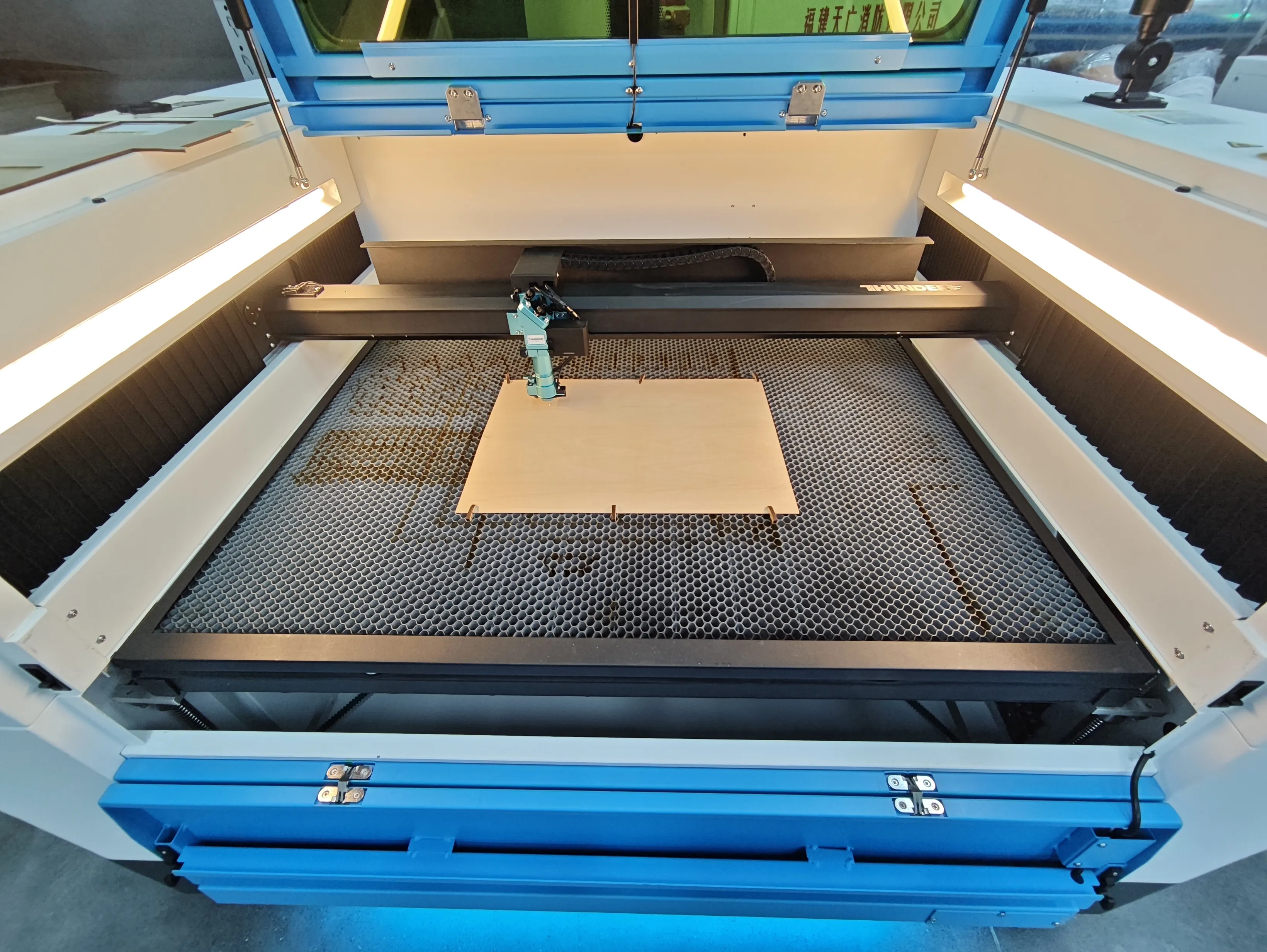
For longer or thicker materials, place them flat on the honeycomb table as well, and use stands
for support if necessary.
For longer or thicker materials, place them flat on the honeycomb table as well, and use stands
for support if necessary.
Safety and Exhaust Considerations
As you remove panels, you should consider the safety aspect of having an exposed laser beam.
The top cover of the Titan series machines is made of standard transparent tempered glass, which effectively blocks the laser radiation emitted by the laser source.
The top cover of the Titan Pro series machines includes an additional yellow-green protective panel compared to the Titan series, which effectively blocks laser radiation emitted by both RF and Fiber laser sources.
The exhaust may react a little differently and there will be more openings for residual smoke and smells to escape into the room. It is advised to only run with the pass-through panels removed when it is necessary.
Using pass through for material processing
The pass-through door height is ~70 mm. It supports materials with a maximum thickness of ~65 mm.
This design greatly improves flexibility for handling oversized or extra-long workpieces, especially useful in signage, packaging, and panel processing applications.
- Place the material flat on the honeycomb table and secure it. If needed, use some tools like shelves in front and back of the machine to hold the long material sheet and make it flat.
- Download the job file to the machine. Set Origin, Focus and Frame as needed.
- Bypass the door safety interlocks manually. By doing this, you accept all the risk and results of running the machine in its altered state.
- Press the "Start" button to begin the job.